

How Machine Learning Can Improve Adaptive UI Design
Discover how machine learning powers intuitive UI, blending data insights with seamless user interactions.
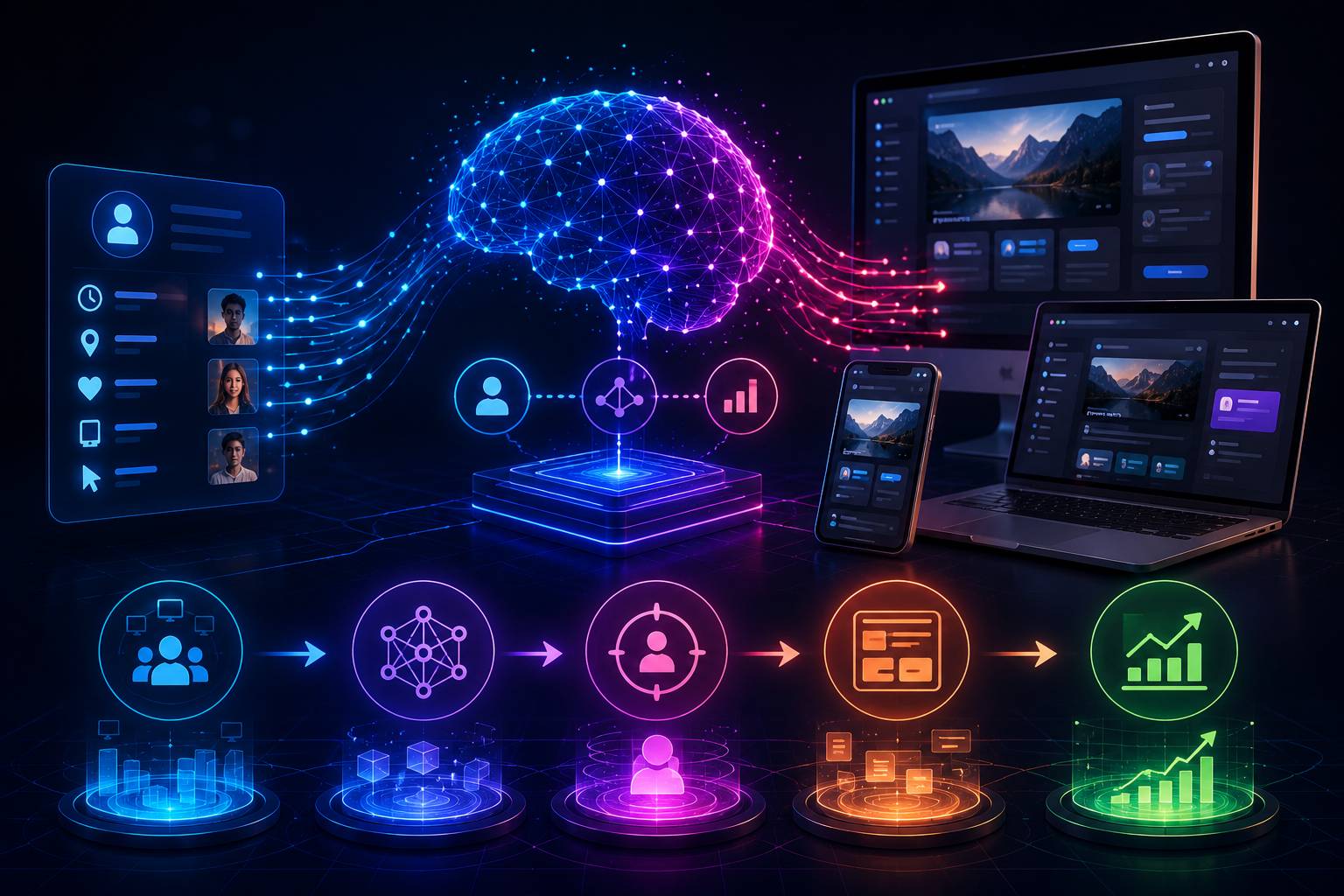
Modern user interfaces are no longer limited to fixed layouts and static user journeys. As digital products grow, teams need interfaces that can respond to user behavior, device conditions, performance signals, and accessibility needs.
Machine learning can support this goal by helping teams analyze patterns and make smarter interface decisions. Instead of guessing which layout works best, developers and designers can use data to understand how users interact with a platform.
This article explains how machine learning can improve adaptive UI design through behavioral analysis, predictive personalization, performance monitoring, and continuous feedback loops. As a neutral example, a platform such as Bybet could use these concepts to study navigation behavior and improve how users move through different interface sections, but the focus of this article is the technical design approach, not platform promotion.
What Is Adaptive UI Design?
Adaptive UI design is the process of adjusting an interface based on user context or behavior. This can include changes in layout, navigation, content priority, accessibility settings, or performance delivery.
A traditional interface usually gives every user the same experience. An adaptive interface can respond to factors such as device type, screen size, connection speed, usage frequency, accessibility preferences, and session behavior.
The goal is not to create a completely different product for every user. The goal is to make the interface more useful, readable, and efficient based on real interaction signals.
How Machine Learning Supports UI Decisions
Machine learning helps by finding patterns in user behavior. Instead of manually reviewing thousands of clicks, scrolls, and session paths, a model can analyze interaction data and identify useful trends.
For example, a product team may want to know which buttons are clicked most often, where users stop scrolling, which pages create the most exits, and which navigation paths lead to task completion.
A simple UI analytics pipeline may look like this:
Collect user interaction events
Store events in a structured database
Clean and group the data
Analyze behavior patterns
Generate UI improvement recommendations
Test changes through A/B testing
Monitor the results
This process turns UI improvement into a data-informed workflow. Developers can use the results to improve layouts, simplify navigation, and reduce unnecessary steps.
Dynamic Layouts Based on Behavior
One practical use of machine learning in UI design is dynamic layout adjustment. If users repeatedly interact with certain elements, the system can identify those elements as high-priority.
For example, if most users frequently open the same dashboard section, the product team may decide to move that section closer to the first screen. If users rarely interact with a secondary feature, the interface may place it in a less prominent location.
However, this does not mean the system should automatically change layouts for every user. Sudden layout changes can confuse users, especially when navigation becomes unpredictable.
A safer process would be:
Detect repeated user behavior
Identify high-priority interface elements
Recommend layout adjustments
Review the recommendation manually
Test the change with a small user group
Apply the change only if results improve
This keeps the interface flexible while still protecting usability.
Predictive Personalization
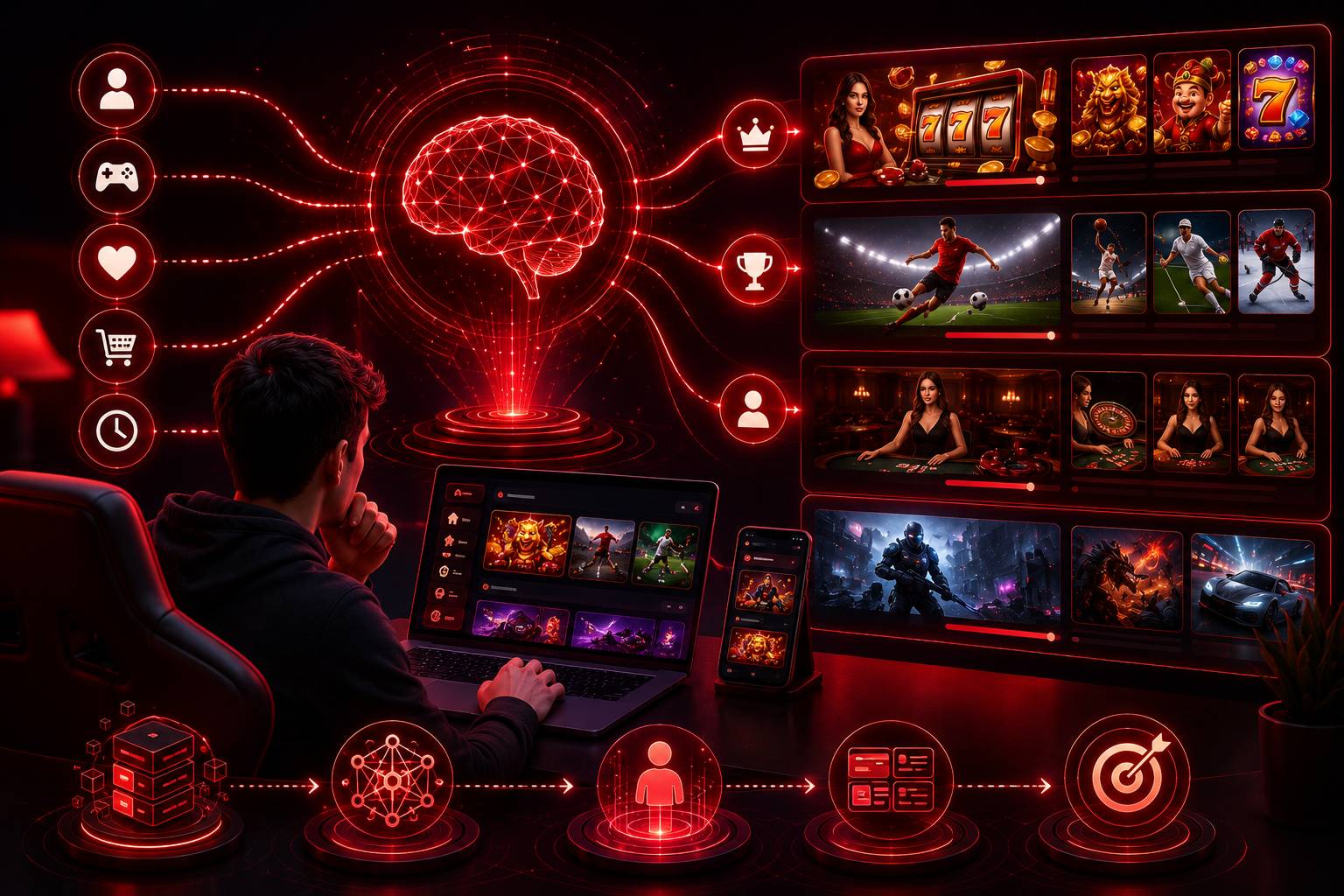
Predictive personalization uses behavior data to estimate what a user may need next. This can help reduce friction in a digital product.
For example, if a user often returns to a specific feature, the interface may show a shortcut to that feature. If a user usually starts from a mobile device, the interface can prioritize mobile-friendly actions.
Common personalization signals include:
Recently used features
Frequent navigation paths
Device type
Language settings
Session history
User role or permission level
Personalization should be handled carefully. Too much personalization can make an interface feel unstable. Users should still understand where features are located and how to control their experience.
A good rule is to personalize support elements, not the entire interface. Showing a useful shortcut is safer than completely rearranging the navigation menu without warning.
Context-Aware UI Adjustments
Context-aware design allows an interface to adjust based on the user’s environment. This may include bandwidth, device type, screen size, or accessibility needs.
For example, a user on a slow connection may receive compressed images. A mobile user may see simplified navigation. A user using dark mode may receive a matching interface theme. A user with reduced-motion settings may see fewer animations.
Machine learning can help identify which context signals affect user experience the most. However, not every adjustment requires machine learning. Some context-aware features can be handled with normal frontend logic, CSS media queries, browser APIs, or user settings.
Machine learning is most useful when the system needs to analyze large behavior patterns over time.
Performance Optimization with Machine Learning
Interface performance affects user satisfaction. Slow pages, delayed interactions, and heavy assets can make even a well-designed interface feel frustrating.
Machine learning can help teams detect performance problems by analyzing data such as page load time, time to interactive, error frequency, API response time, asset size, device type, and network condition.
For example, if users on low-bandwidth connections experience higher drop-off rates, the team may reduce image size, lazy-load non-critical assets, or prioritize text-based content.
A performance monitoring workflow can include:
Track frontend performance metrics
Group data by device and connection type
Detect common slow points
Prioritize the highest-impact fixes
Test performance changes
Continue monitoring after release
This helps teams improve speed based on real usage instead of assumptions.
Feedback Loops for Continuous UI Improvement
One major benefit of machine learning is the ability to support continuous improvement. Instead of waiting for a full redesign, teams can make smaller updates based on real user feedback and behavior.
A feedback loop may include:
User interacts with the interface
The system records behavior signals
The data is analyzed for patterns
The team identifies friction points
A small design change is tested
Results are measured
The best version is kept
This approach helps teams avoid large, risky redesigns. It also allows product improvements to happen gradually.
For example, if many users abandon a form at the same field, the team can review whether the field is confusing, unnecessary, or placed too early in the process.
Ethical and Privacy Considerations
Machine learning in UI design must be handled responsibly. User behavior data can be useful, but it can also create privacy risks if collected without clear limits.
Teams should consider collecting only necessary data, avoiding sensitive personal information when possible, anonymizing analytics data, explaining data use clearly, and giving users control over preferences.
Adaptive UI should help users, not manipulate them. The goal should be usability, accessibility, and clarity.
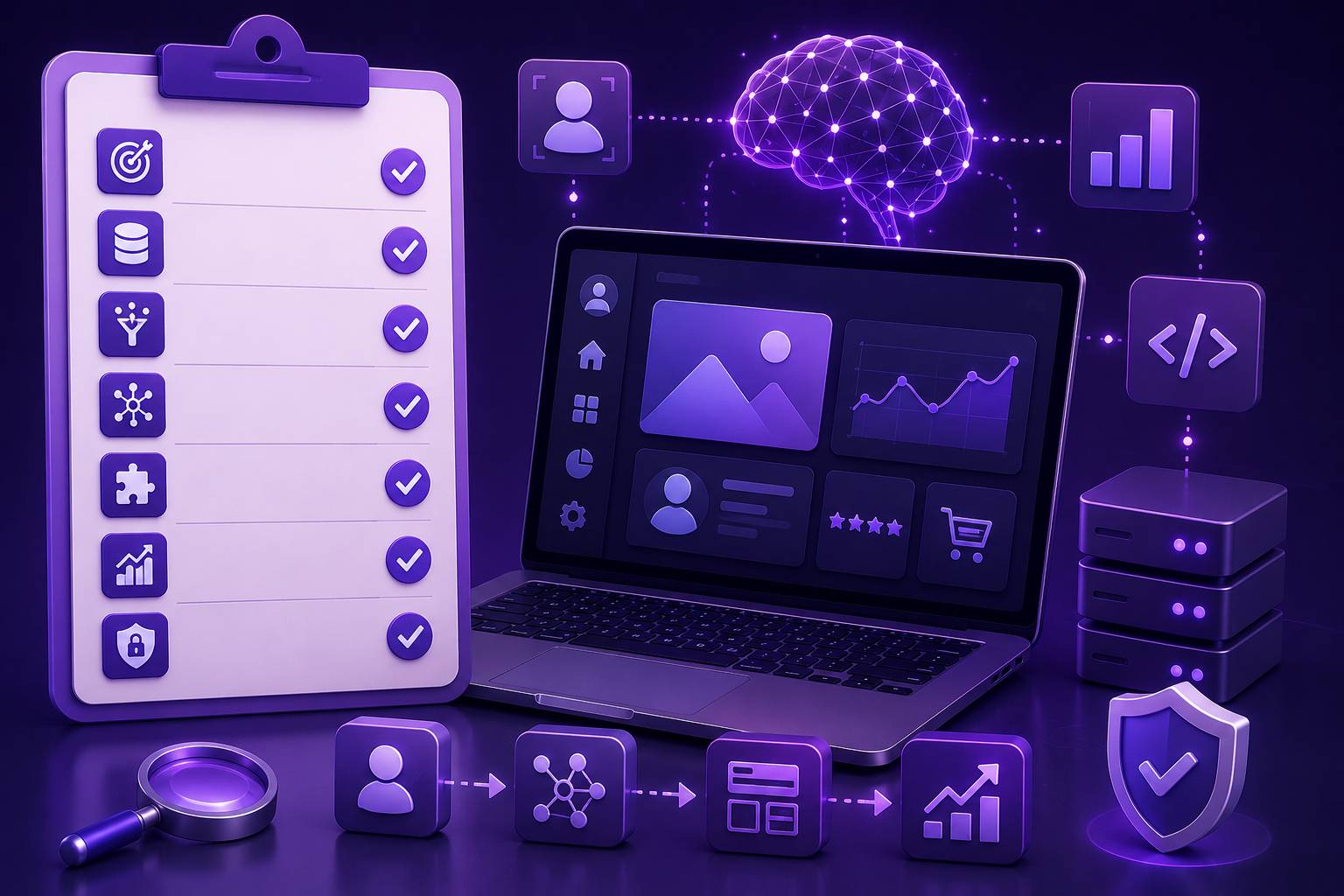
Developer Checklist for ML-Based UI Improvements
Before adding machine learning to a UI workflow, developers should ask:
What problem are we trying to solve?
Can the problem be solved without machine learning?
What user behavior data is needed?
Is the data safe and appropriate to collect?
How will the model output be reviewed?
Will changes be tested before full release?
Can users still understand and control the interface?
How will performance and accuracy be monitored?
Machine learning should not be added just because it sounds advanced. It should solve a clear interface problem.
Conclusion
Machine learning can improve adaptive UI design by helping teams understand behavior patterns, predict user needs, monitor performance, and support continuous improvement.
However, machine learning should not replace good design judgment. It should support better decisions, not make the interface unpredictable. The strongest results usually come from a balanced workflow: collect useful data, analyze patterns, test small changes, and protect user privacy.
For developers and designers, the best starting point is simple. Choose one interface problem, measure it clearly, test one improvement, and review the result. Over time, this creates a smarter and more user-friendly product experience.


